
The best speech-to-text software for call centers in 2027
.avif)
.jpg)
- Call center transcription software turns live and recorded calls into text that powers agent guidance, QA, and analytics
- Choose Cresta to act on calls in real time, a speech API to build your own stack, or CallMiner or Verint for post-call analytics
- When evaluating your options, test the accuracy on your own call audio, then check real-time speed, security, and integrations
Customers tell your human agents every day why they're calling, what's broken, and what would make them stay. But most of that feedback disappears when the call ends.
Speech-to-text software closes that gap by turning each call into text you can search, analyze, and act on.
That said, not all speech-to-text software for call centers is built the same.
Some tools are raw speech engines for developers, while others turn transcripts into live guidance, quality scores, and coaching.
To help you pick the best call transcription software for your contact center, we'll evaluate the top options. But first, let's align on how speech-to-text software typically works for call centers.
Note: This article was written on 10/23/2026. The information below can change in the future.
What is speech-to-text software for call centers?
It's software that listens to phone calls and turns what's said into written text. Call centers use it to capture conversations, help agents during calls, and review quality after calls end.
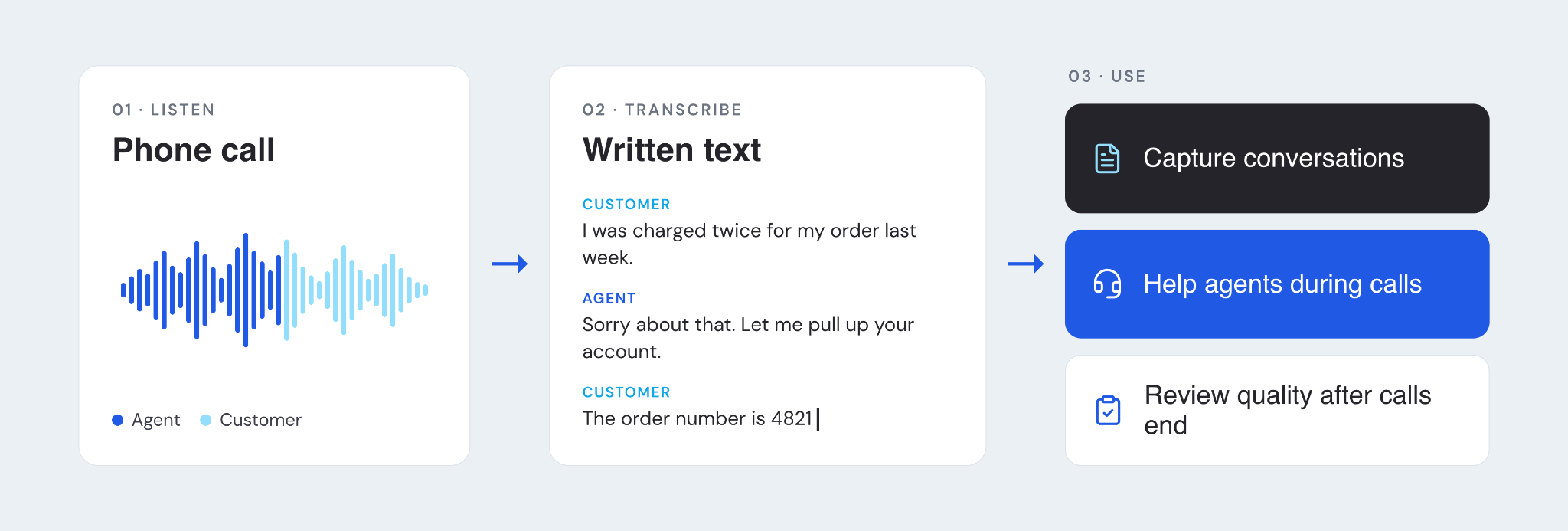
Most tools follow the same basic steps:
- Audio capture: The tool connects to your phone system and pulls in agent and customer audio, often on separate channels
- Speech recognition: ASR models convert sound into words, using context to pick the right word when sounds are similar
- Speaker separation: Speaker diarization labels who said what, so you can tell the agent's words from the customer's
- Formatting: The tool adds punctuation and writes names, dates, and account numbers in a readable form
- Redaction: PII redaction removes personally identifiable information, like card numbers, from the transcript and sometimes the audio
The transcript is the raw material for conversation intelligence, which is software that analyzes calls to find trends, score quality, and guide agents.
How we evaluated speech-to-text software
We drew on third-party reviews (G2), analyst reports, product documentation, and our team’s conversations with customers and prospects.
Using these inputs, we compared each option on these criteria:
- Accuracy on call audio: How well it handles phone-quality sound, accents, crosstalk, names, and account numbers
- Real-time speed: Whether text arrives fast enough to guide an agent during the call
- What happens after the transcript: Whether the tool turns text into agent assist, QA, and analytics, or leaves that to you
- Security and redaction: How it removes sensitive data and protects recordings
- Integrations: How it connects to your phone system, CRM, and other tools
- Scale: Whether it holds up across a large, busy contact center
Here’s how each solution performed across this criteria:
The best speech-to-text software for call centers
Here’s a closer look at each of the best options.
1. Cresta
Cresta is the AI operating system for CX.
Its real-time transcription is the base layer for Agentic Assist, Conversation Intelligence, AI Agent, and Deputy Agent, which share the same conversation record. Models are also customized to each customer’s conversations, so they learn your products and vocabulary quickly.
It's best for enterprise contact centers that want every transcript to drive live guidance, automated QA, and coaching.
Key features
- Real-time transcription for guidance: Agentic Assist reads the live transcript and surfaces answers, hints, and compliance reminders mid-call
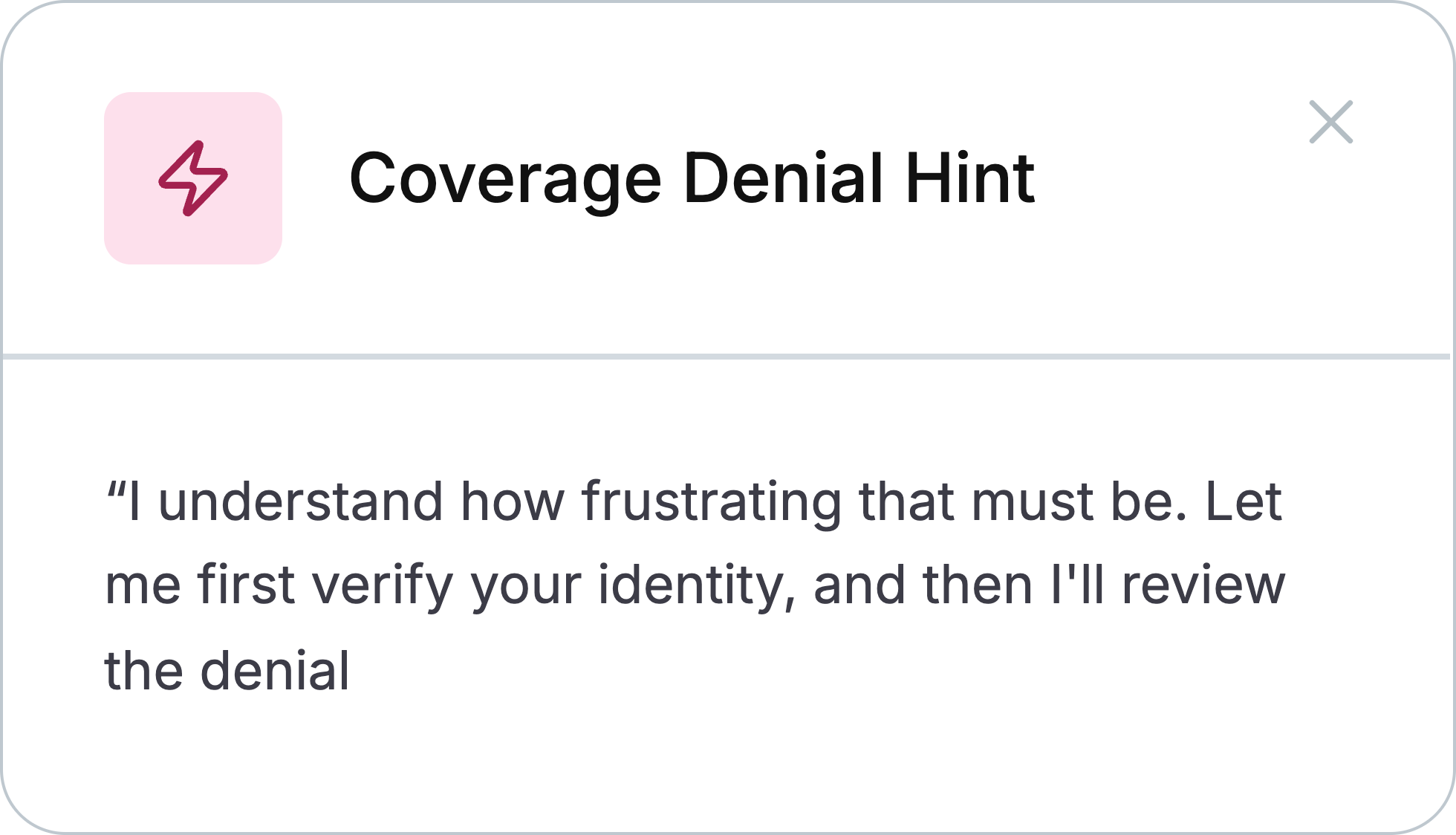
- Behavioral recognition: Cresta spots agent behaviors and customer intent through context, so it catches what keyword spotting misses
- Live and post-call summaries: Notes build during the call and sync to your CRM afterward, cutting after-call work
- Analysis of every conversation: Conversation Intelligence scores and analyzes every call, so QA doesn't depend on a small sample
- Deep analysis across conversations: AI Analyst lets you find the answer to burning questions in seconds
.png)
- Live translation: Agentic Assist translates conversations in real time for multilingual teams
What reviewers say
G2 reviewers highlight Cresta's ability to analyze calls and surface insights for human agents quickly.

See how Cresta turns live speech to text into real-time guidance, automated QA, and coaching.
2. Google Cloud Speech-to-Text
Google Cloud Speech-to-Text is a developer API for turning audio into text. It covers a wide range of languages and offers models tuned for phone audio. You'll need to build agent screens, QA, and analytics yourself.
It's best for teams with engineering capacity that are building their own stack on Google Cloud.
Key features
- Streaming recognition: Returns text while audio is still coming in, for live use cases
- Telephony models: Uses models tuned for the sound quality of phone calls
- Broad language coverage: Transcribes many languages and regional variants
- Model adaptation: Uses phrase hints to recognize product names and industry terms
- Speaker diarization: Labels which speaker said each word
What reviewers say
G2 reviewers praise its accuracy, speed, and ability to transcribe conversations in real time.

That said, some G2 reviewers say accuracy drops with background noise, multiple speakers, or unclear speech.

3. CallMiner
CallMiner Eureka is a conversation analytics platform. It analyzes recorded calls and other channels to find trends, score quality, and flag compliance risks. Its real-time module adds live alerts for supervisors and agents, like when a customer sounds frustrated or a required disclosure is missed.
It's best for analytics and compliance teams that want deep insight from recorded calls.
Key speech to text features
- Omnichannel analytics: Transcribes and analyzes calls alongside chat, email, and surveys
- Automated scoring: Scores interactions against quality and compliance criteria
- Redaction: Removes sensitive data from audio and transcripts
- Search and categories: Lets analysts search transcripts and group calls by topic
- Real-time alerts: Flags issues during calls through its real-time module
What reviewers say
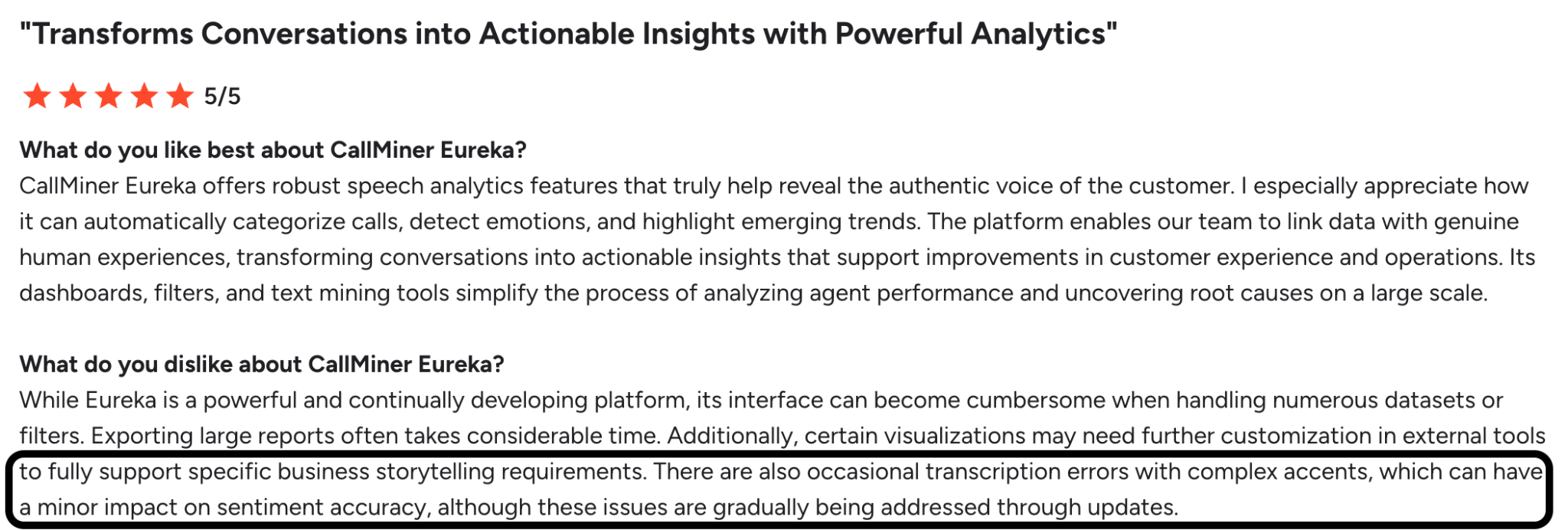
G2 reviewers praise the depth and quality of its data.
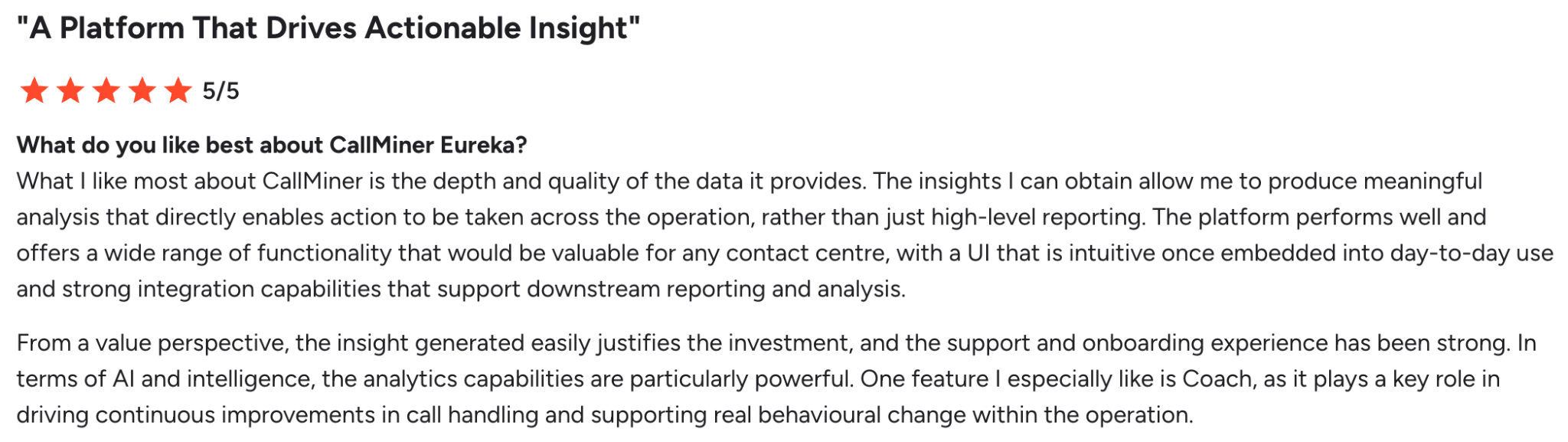
But some users say there’s transcription errors when speakers have accents.
Related: The top CallMiner alternatives
4. Microsoft Azure AI Speech
Microsoft Azure AI Speech is a speech API inside Azure's AI services. Its Custom Speech tool lets you train models on your own audio and terms. It also fits neatly with Microsoft security, identity, and data tools.
It's best for Microsoft-centric enterprises with developers who can build on Azure.
Key features
- Real-time and batch transcription: Handles live audio streams and large sets of recordings
- Custom Speech: Trains models on your own audio and vocabulary to improve accuracy
- Speaker diarization: Separates speakers in live and recorded audio
- Language coverage: Recognizes many languages and locales
- Container deployment: Runs in your own environment for teams with strict data rules
What reviewers say
G2 reviewers like its real-time transcription accuracy and natural-sounding voice output.
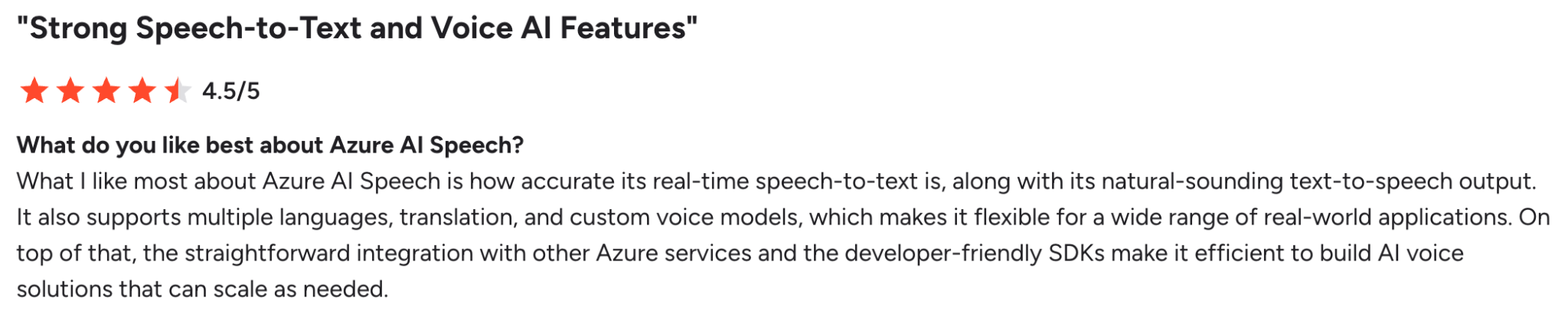
However, some say accuracy suffers in noisy settings.
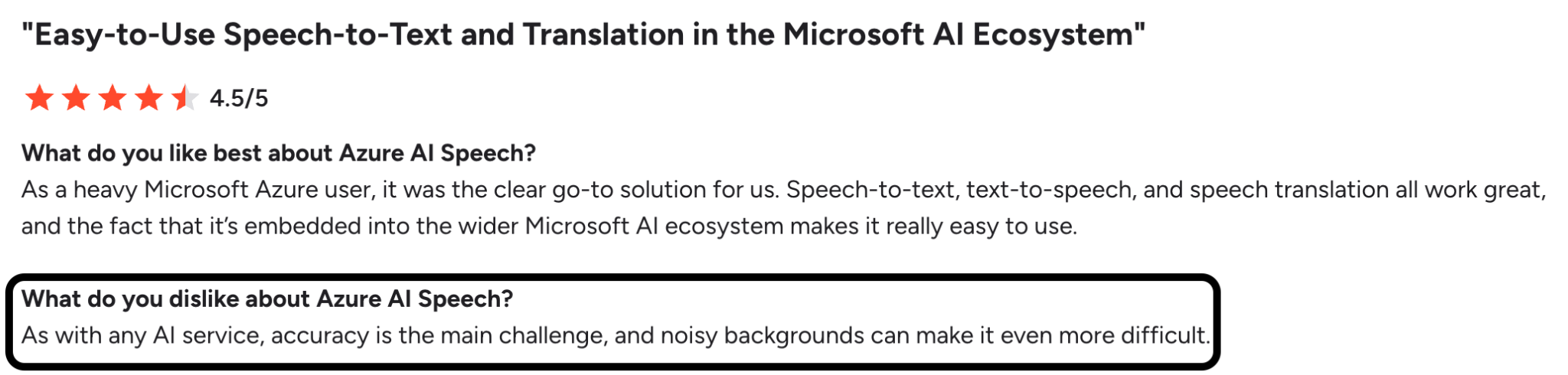
Since your call center likely deals with noise from headsets, home offices, and busy floors, it’s worth testing on your own recordings.
5. AssemblyAI
AssemblyAI is a speech API with built-in audio intelligence. Beyond transcription, it can summarize audio, detect sentiment, and flag key topics.
It's best for product teams adding speech analytics to software they build.
Key features
- Streaming and async transcription: Handles live audio and recorded files
- Speaker diarization: Labels each speaker in multi-person calls
- PII redaction: Removes personal data from transcripts
- Audio intelligence: Adds summaries, sentiment analysis, and entity detection
- Custom vocabulary: Improves recognition of specific terms
What reviewers say
G2 reviewers say it's quick to integrate and accurate on long, multi-speaker audio.
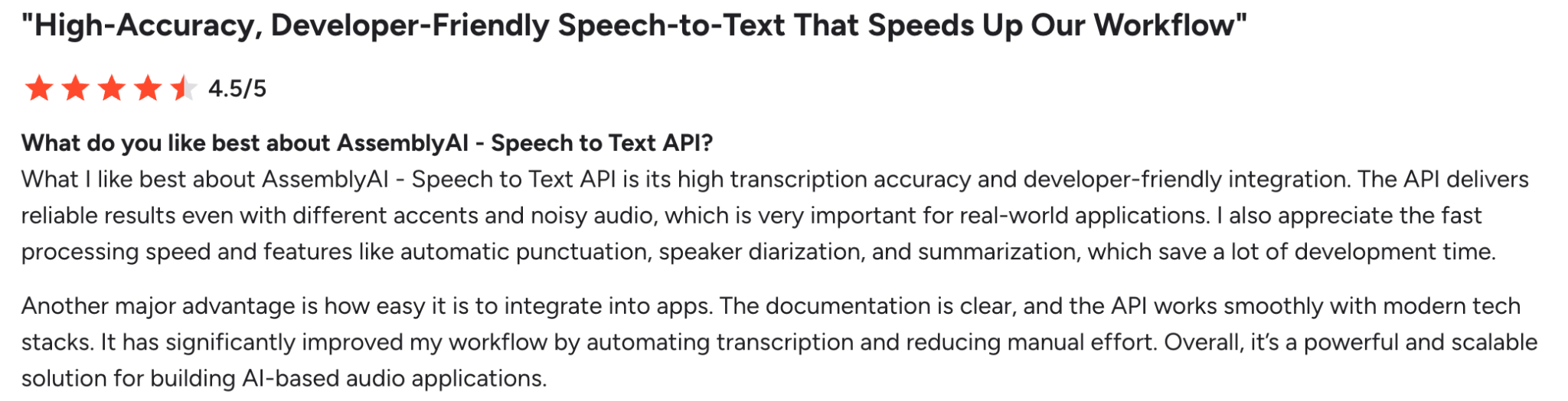
But some reviewers say they want faster processing and better speaker identification.
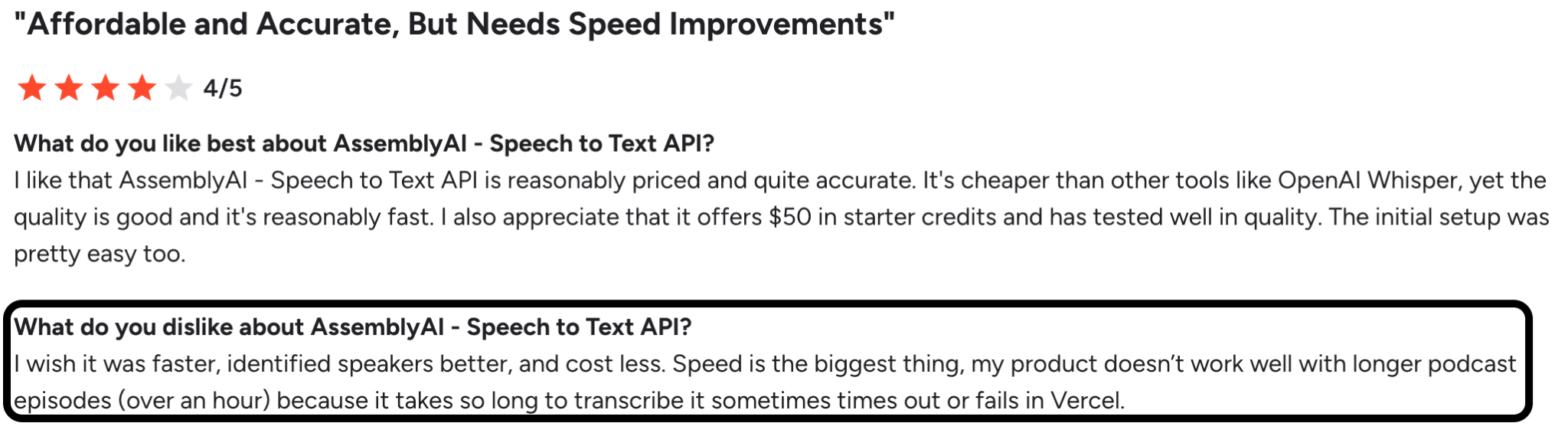
Since long calls and weak speaker labels can be problems in your contact center, you should test both on your own recordings.
6. Verint
Verint is an enterprise engagement suite that includes speech and text analytics. Its bots handle tasks like transcription, PII redaction, and call wrap-up.
It's best for organizations already running Verint workforce management or quality management.
Key features
- Exact Transcription Bot: Transcribes calls for analytics and real-time use
- PII Redaction Bot: Removes details like card and social security numbers from voice interactions
- Speech and text analytics: Finds trends and root causes across calls and digital channels
- Interaction Wrap-up Bot: Drafts call summaries to cut after-call work
- Coaching Bot: Guides agents during calls using the live transcript
What reviewers say
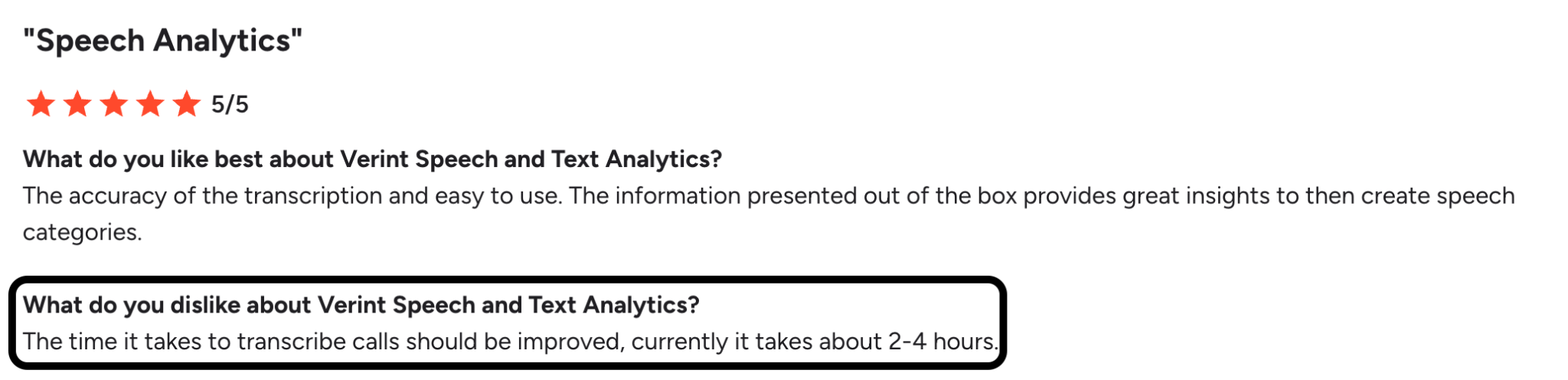
G2 reviewers like the quick insights into customer behavior and root causes.
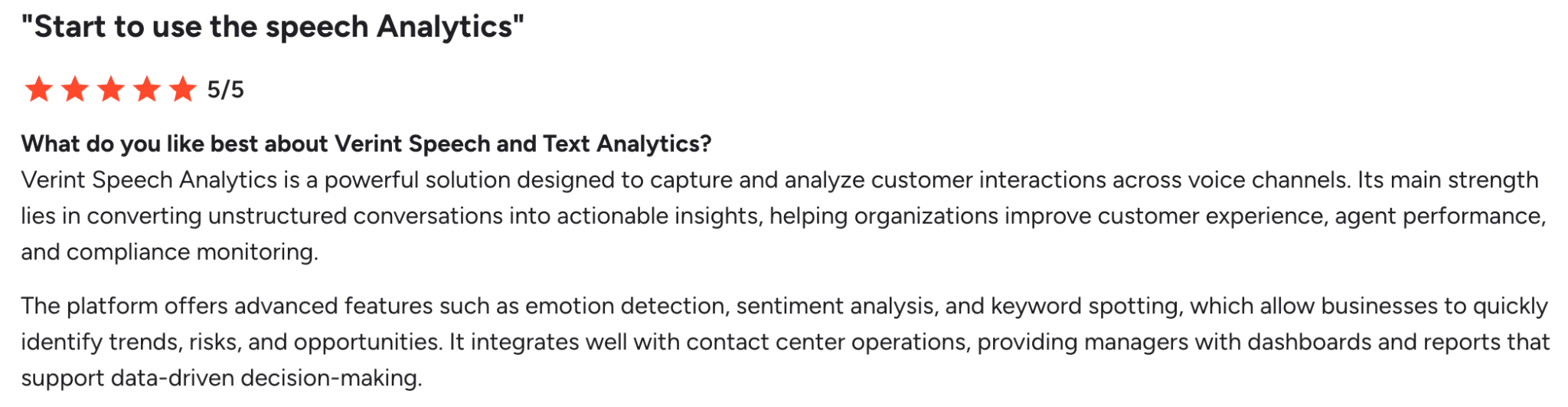
However, some say the transcriptions can take several hours to generate.
Related: The top Verint alternatives
Evaluation checklist for speech-to-text software
Once you've narrowed down your shortlist, we recommend evaluating each vendor on the criteria below.
WER score
Accuracy is the base of everything else. If the transcript misses a word, the guidance, QA score, and summary built on it miss too.
Accuracy is usually measured by word error rate (WER), which is the share of words a tool gets wrong compared with a human transcript.
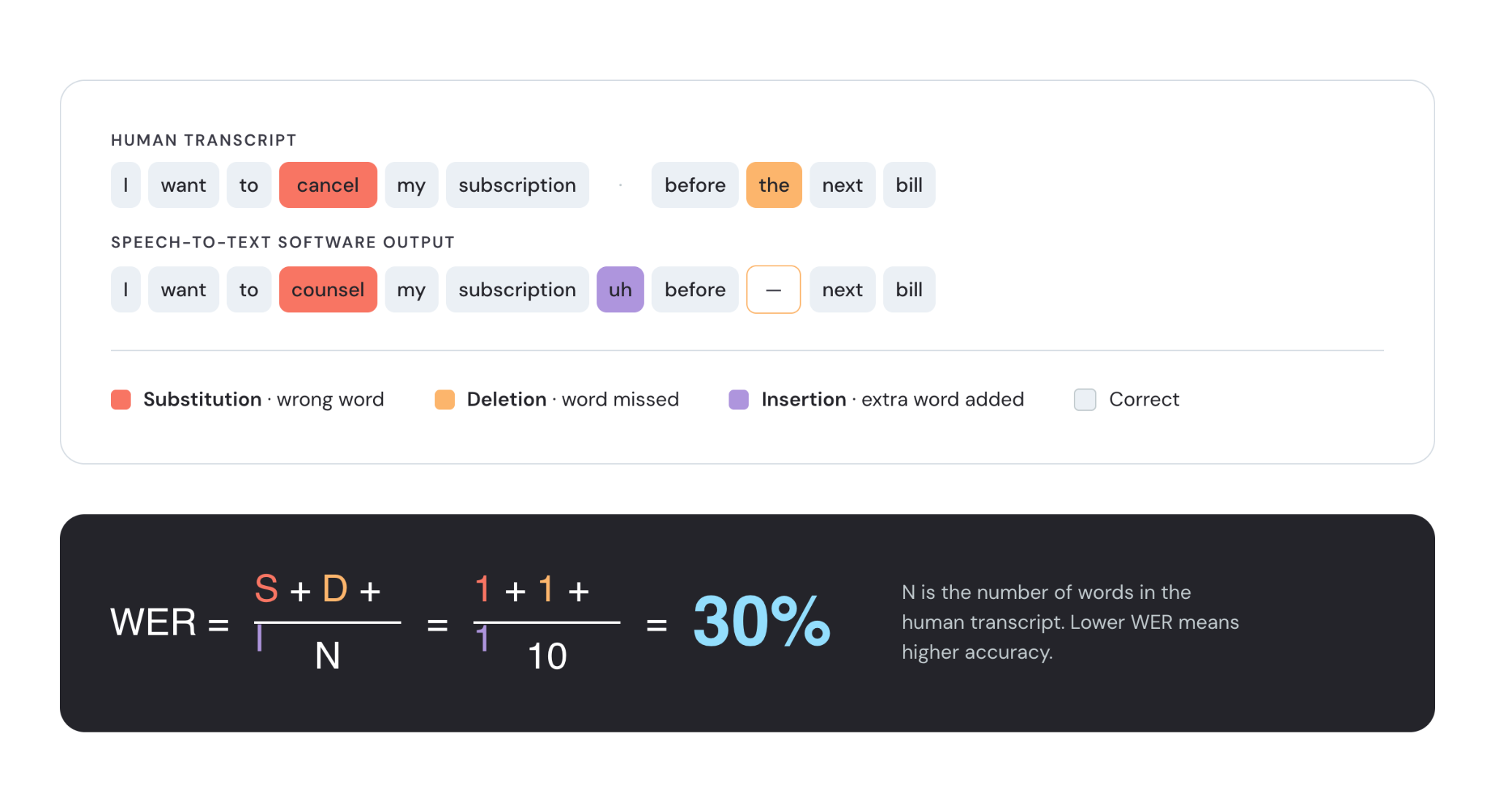
To find your WER, test the software on a sample of your real calls, with your accents, background noise, and product names, and compare the results to a human-checked transcript. Pay particularly close attention to key details, like names, dates, and account numbers, since small errors there cause big problems.
A WER score under 10% is generally considered really strong, so look for tools that can deliver on that.
Real-time speed
Live guidance only helps if it arrives while the customer is still talking. That means latency, the delay between speech and text, decides whether a hint lands in time or after the moment's gone.
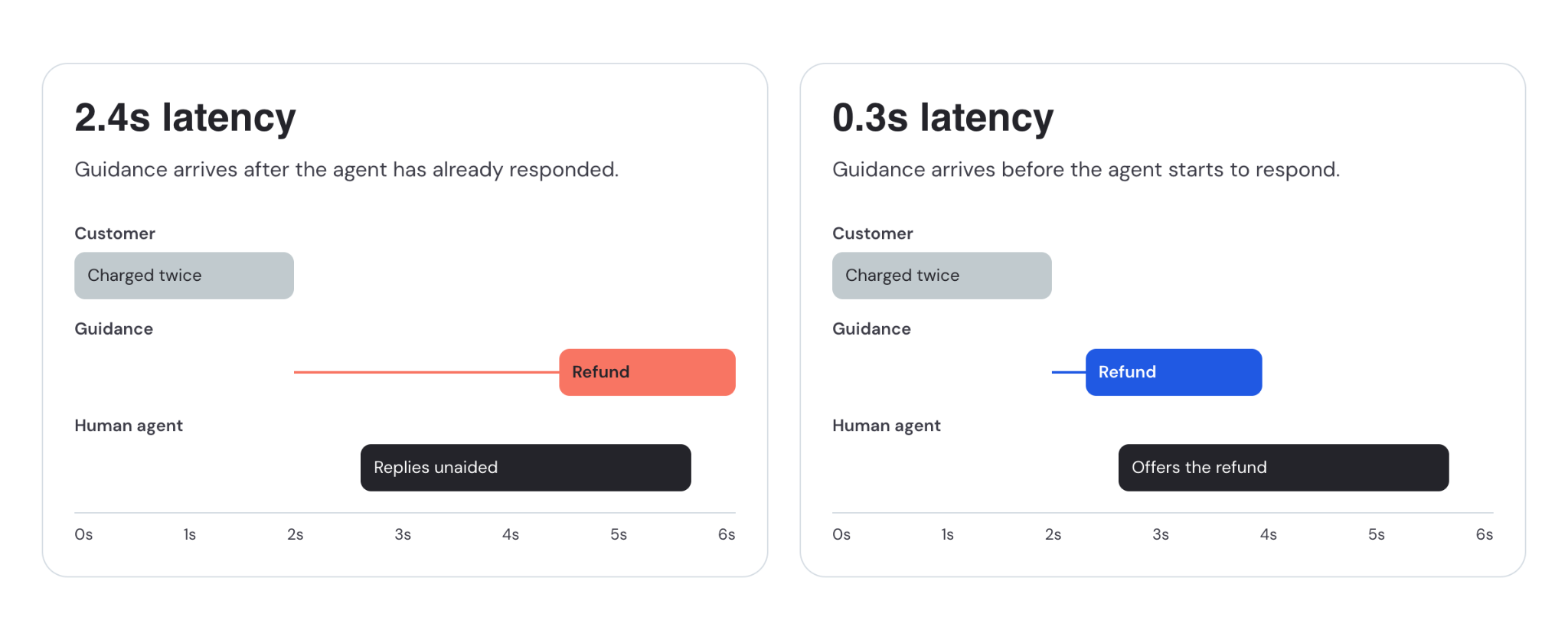
With this in mind, test whether the software can transcribe audio in real-time, even during peak hours.
Security, redaction, and compliance
Calls carry card numbers, health details, and other private data you shouldn’t fully transcribe.
For example, the PCI Security Standards Council says card verification codes can't be stored after authorization, including in audio recordings. And the HHS says the HIPAA Privacy Rule protects most identifiable health information in any form, including spoken. That applies to covered entities and their business associates.
To that end, evaluate solutions for automatic redaction in both audio and transcripts, clear retention controls, and a clean enterprise security review.
Calls carry card numbers, health details, and other sensitive data that shouldn’t be fully transcribed.
The PCI Security Standards Council, for example, prohibits storing card verification codes after authorization, including in audio recordings. And HIPAA’s Privacy Rule protects identifiable health information in any form, spoken included, for covered entities and their business associates.
To that end, evaluate solutions for automatic redaction in both audio and transcripts, clear retention controls, and a clean enterprise security review.
Robust and scalable integrations
Speech to text has to connect to your phone system to get audio, and to your CRM, knowledge base, billing system, and any other apps critical to the contact center’s operations. If any of those integrations are weak, you’ll face extra engineering work and gaps in your data.
To prevent this, look for ready-made connectors for your contact center as a service (CCaaS) platform, CRM, knowledge base, and so on. Then ask for reference customers running contact centers of a similar size, so you know the integrations hold up at your scale.
Final thoughts
The right speech-to-text software for your call center depends on what you want the transcript to do.
Cresta turns every transcript into live agent guidance, automated QA, and coaching, so you don’t have to build those layers yourself. Google, Microsoft, and AssemblyAI give developers strong building blocks. CallMiner and Verint focus on providing deep post-call analytics for teams that review recorded calls.
Whichever path you choose, test the platform’s accuracy on your own calls, check real-time speed, and confirm what happens after the transcript is generated. Security, redaction, and integrations should also pass review before any pilot ends.