Launching an AI agent before it’s ready can cost a company new and existing customers. In fact, Forrester predicts that a third of companies will harm customer experiences with frustrating AI self-service, as they rush to deploy.
The stakes are even higher when it comes to voice AI agents.
On a phone call, every word passes through speech recognition before the agent can act on it. Cresta’s research on speech-to-text quality found that noisy audio hurts the accuracy of key details, like account numbers and names, more than standard accuracy scores suggest. One swapped digit can send the agent to the wrong account. Timing is another example. People typically answer each other within about 200 milliseconds (PNAS), so callers notice a late reply or an agent that talks over them. Voice issues like these are easy to miss, while their impact on the customer experience can be felt across the organization.
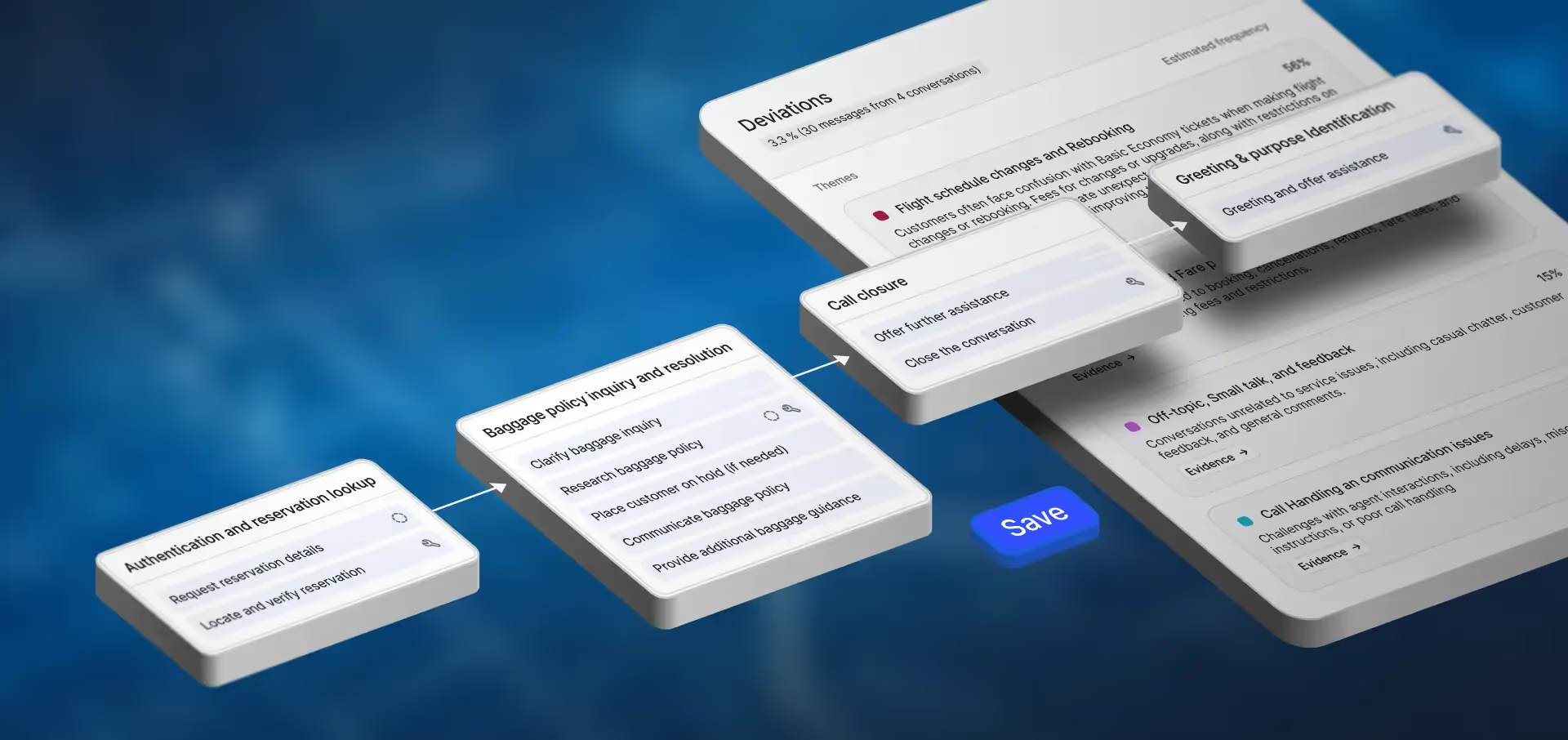
Testing and evaluation are among the most critical steps in the AI Agent lifecycle. We’ve invested heavily in making that process more realistic and scalable: Synthetic Customers helps teams simulate conversations grounded in how their own customers behave, while Testing 2.0 uses AI to generate tests and scale evaluation.
Soundcheck is our next step.
It adds voice simulation and evaluation to the test cases teams already run, covering how customers speak and where they call from. Voice evaluators then score how the agent listens and responds, so teams can find and fix voice issues before customers hear them.
Simulate How Your Customers Call
When tests are paired with Synthetic Customers—data-derived personas from real customer conversation data—they reflect how your customers actually behave, making simulation testing realistic and representative. In addition, AI agents need to understand different speaking styles, accents, interruptions, and background noise. Soundcheck lets teams test how agents perform across those real-world voice conditions.
A voice persona saves the settings for how a simulated caller speaks, where they call from, and how the call comes through. Teams design voice personas to match their own callers:
How they talk. Choose the caller’s voice and describe the caller behavior including speaking speed and emotion. Set how often the caller interrupts and where in the agent’s reply the caller cuts in. Simulated callers listen and speak at the same time, so they can interrupt in the way people do on a call.
Where they call from. Choose background noise from a library, such as highway traffic or coffee shop.
How the call comes through. Set microphone quality from clear to heavily muffled, choose a standard phone line (8 kHz) or a web call (16 kHz), and set network quality from perfect to poor. Each network level sets how much audio is lost and how long the gaps run. On weaker connections, audio drops in short bursts, which can remove whole words.
Hear the difference between 8 kHz and 16 kHz.
Assign a voice persona to a simulated visitor test case, and the test runs under those conditions.
Evaluate What Makes a Voice Conversation Work
Cresta’s existing evaluators check whether an AI Agent says the right thing, including whether its answers are accurate and on brand. Voice evaluators assess how the agent says it, analyzing the audio for factors like timing and sound quality. Together, they evaluate both what an agent communicates and how it sounds across a number of factors:
- Barge-in - The agent starts talking while the caller is still speaking.
- Excessive latency - The caller waits too long to hear the agent respond, measured as time to first audio (TTFA).
- Unresponsiveness - The caller says something that needs an answer but the agent stays silent.
- Slow response to user interruption - The caller cuts in, but the agent keeps talking over them for too long.
- Word error rate (WER) - The share of the caller’s words that the agent’s speech recognition gets wrong.
- Gibberish - Broken or non-speech sounds in the agent's voice.
Each evaluator flags the exact moment an issue happens, with a Cresta-recommended default threshold for pass or fail that teams can adjust. Because Cresta runs the simulated caller and the agent on one platform, it records when each side started and stopped talking with accuracy. Timing evaluators like latency and barge-in score from those records, giving teams results they can trust when deciding what to tune.
Consider a caller reading a 10-digit account number to a bank’s voice AI agent, over a poor connection with street noise in the background. The agent might talk over them and miss the last digit, which the barge-in evaluator flags. Or it might mishear a digit and pull up the wrong account, which word error rate catches.
In this scenario, both of those examples would be flagged, allowing the tester to jump to where the issue happened in the conversation. They tune turn detection so that the agent waits for the full number, add a read-back, and rerun the same call to confirm the fix worked. The test stays in place, so every later change, including model and voice updates, gets the same check.
After launch, the same voice evaluators score live customer calls, so quality is measured the same way before and after go-live.
Ship AI Agents That Are Ready For Customer Calls
The pressure to deploy AI agents is growing, but readiness depends on how well they handle the conversations customers actually have, from the interruptions and background noise to poor connections that complicate everyday calls.
Soundcheck helps teams test those voice conditions, identify performance gaps, and focus improvements where they’re needed.
By making realistic voice testing part of release validation, businesses can move forward with greater confidence in the experience their customers will receive.