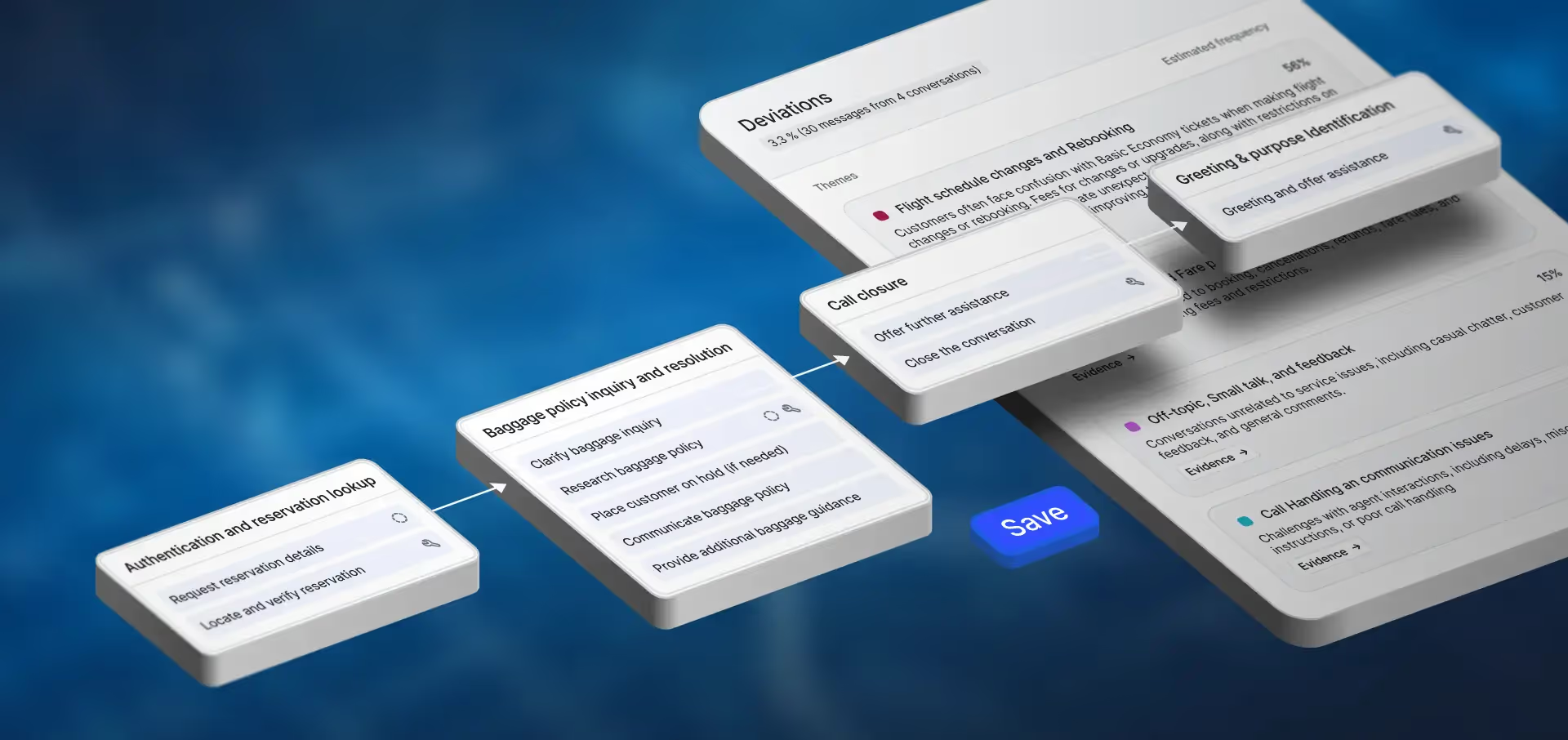


For nearly two years, Cresta’s forward-deployed teams have built customer-facing AI agents for some of the world’s largest companies. To do that work at scale, they developed their own tools and established best practices for writing agent logic, testing conversations, tracing failures, and shipping changes safely.
Those tools—now Cresta Conductor and the Cresta command-line interface (CLI)—were used and refined across countless production deployments.
Today, we’re introducing an end-to-end self-serve model for customer and partner developers, giving access to those same tools and workflows to design, build, test, deploy, and optimize their AI agents on their own. Your engineers work from their own IDE, Git, and CI/CD pipeline to deliver production-ready agents.
Why Was Self-Serve So Hard Before?
Before Conductor, building customer-facing AI agents with general-purpose coding agents meant intensive, repetitive work, including:
- Bringing lessons from previous builds into each new session
- Pulling in production conversations to investigate agent behavior drift, hallucinations, and failures
- Manually writing agent evals to catch failures, rather than accept tests that coding agents generated to pass by default.
Built in collaboration with Anthropic, Conductor brings the best practices from past deployments into every build, with reusable skills and capabilities for complex agent design and optimization, like voice testing, tracing, and safe deployment. Now developers outside Cresta can use the same tools, incorporated directly into their existing development workflow.
Self-Serve, Start to Finish
With the support of Cresta’s expertise from many enterprise deployments, developers can build and operate their agents across the full development lifecycle
- Design: Define what to automate and the behaviors that drive successful outcomes based on historical conversations
- Build: Translate business requirements into agent behavior, workflows, and integrations
- Test: Evaluate how agents handle the scenarios and outcomes that matter the most to your business
- Deploy: Move agents into production through the same review and release process as the rest of your software
- Optimize: Use testing and production feedback to investigate issues and improve performance
Your team is in the driver’s seat, owning the implementation and every iteration after it. Cresta provides the operating system, resources, and access to expert support to help you succeed. Paul Ignasinski, Chief Digital Transformation Officer at Atento shared:
“Scaling AI agents in enterprise CX takes more than technology. It takes the operational discipline to design, test, and refine them continuously. Cresta Conductor gives our teams a self-serve platform to do exactly that as we build an AI agent workforce for our clients.”
Developer Tools You Can Trust to Power Your Customer Experience
An agent that talks to your customers has to meet the same bar as any other production system your team runs. Since Conductor’s launch in June, we’ve continued to expand those controls and capabilities based on how developers use the platform.
Controlled releases
Agent changes go live with the same rigor and care that your other enterprise software does: reviewed, released gradually, and easy to undo. Developers version revisions in Git and review them as pull requests in your CI/CD pipeline, while Cresta’s release management supports routing, traffic splits, and rollback.
For example, a developer could update how a Claims Agent handles disputed claims, and then send 10% of calls to the new version to compare results against the current one. Based on the results, they can decide to roll out to everyone, or roll back if results aren’t as expected.
Controlled environments and secrets
Environments hold the variables and secrets an agent uses at runtime, like API endpoints and keys. Teams set up separate environments for testing and production, each with its own values, and deploy the same agent revision to either one. Several agents can also share an environment, so a team sets up production once instead of repeating it for every agent.
Access control
Assigned builder and review permissions and profile-scoped access govern who can build, test, and inspect agents, ensuring the authorized people make changes while still allowing for maximum transparency across the team.
A partner might give its engineers Builder access and its project lead Reviewer access. With these controls in place, a contractor working on one client only has access to that client’s agents.
Token and model consumption monitoring
Conductor tracks token and model consumption for every step of an agent, so teams can know what each part costs to run and match the model to the task.
On an airline rebooking agent, a developer might find a routing agent runs on the same advanced (and costlier) reasoning model as the rebooking agent that finds the cheapest price for a flight. They move the routing agent to a smaller model, then run evals to confirm quality holds.
Additional capabilities include the ability to:
Gain more visibility into what Conductor does as a harness
- Conductor shows each edit as it works, so developers can catch a wrong turn and redirect it mid-workflow
- A diff view shows every code change by file and by turn
- Every artifact generated for an agent now lives on that agent’s page, rather than across sessions
- Ability to configure custom components and test them in Conductor
Bring in your custom skills and context while building
- Skills hold your team’s business rules and build standards, and Conductor follows them alongside Cresta’s built-in practices. Because skills use the open Agent Skills standard, the ones your team already wrote for tools like Claude Code work in Conductor too
- Custom MCP servers connect Conductor to the tools where developers already work, like Jira, Linear, and Notion
Find and fix issues faster
- Voice testing can be done turn by turn during the build, so developers can check latency, interruption handling, conversation flow, and more
- Debug mode, in both chat and voice simulation, shows why an agent said something without having to dig through logs
- Enhanced conversation traces record each step for faster root cause on complex agents
The Resources to Build with Confidence
Successful self-serve development takes more than access to tools; developers also need clear documentation, practical training, and a path to help when they need it.
Our technical documentation supports teams as they learn the platform and build their agents. We’re also introducing Cresta Academy for customers and partners, starting with an AI Agent Builder course that covers the stages of the AI agent deployment lifecycle. Courses combine on-demand training with a sandbox where developers can apply what they’ve learned and work towards certification.
Certified partners can also build production-grade AI agents on Cresta for their own customers, using the same tools Cresta’s engineers use. From Jamie Timm, Global SVP, Service Delivery & Operations at TELUS Digital:
"Our engineers started building on Cresta Conductor in June, learning from the docs, hands-on work, and Cresta's team. We're deeply invested in platform depth, because that expertise is what turns AI capabilities into customer experiences that work at scale. Cresta's developer tooling gives our engineers that depth without sacrificing the accessibility they need to ship quickly."
Self-serve gives developers ownership while also keeping Cresta expertise within easy reach: teams that want hands-on guidance while they build can add support from Cresta’s forward deployed engineers.
Put Your Team in Control
Your developers know your business from the inside. Self-serve AI agent development lets them build that knowledge directly into your agents, and keep improving them as your customers’ needs change.
Join our upcoming webinar to see how your developers can quickly and effectively build production-grade AI agents, or request a demo to explore how your team can get building on Cresta!